Social Media Scheduling and Review Requests for Wellness Businesses
Plan your social posts ahead and ask happy clients for reviews automatically, from the same platform that runs your CRM and calendar.
The Problem with Marketing by Memory
Consistency is hard when it depends on remembering.
Posting Only When You Remember
Weeks go by with nothing new on your profiles.
Happy Clients, No Reviews
People are glad to leave a review, but nobody asks at the right moment.
Logging In Everywhere
Each platform has its own app, its own login and its own inbox.
No Clear Picture
You cannot tell which posts or channels bring people in.
From Plan to Proof
Plan once, then let the system keep up.
Plan Your Posts
Write and schedule a week or a month of content in one sitting.
Publish Across Channels
Posts go out on schedule to the profiles you connect.
A Client Finishes a Visit
The appointment is marked complete in your calendar.
A Review Request Goes Out
An email or text asks for a review, automatically.
Reviews Come In
See new reviews in one place and reply to them.
Stay Visible Without Living Online
Your social calendar and your reputation, managed together.
Social Media Scheduling
Plan and schedule posts from one calendar.
Review Requests
Send requests by email or text after a visit.
Google and Facebook Reviews
Monitor and respond to reviews in one place.
Reporting and Analytics
See how your posts and reviews perform.
Messages in One Inbox
Social messages arrive beside your email and texts.
Connected to Your CRM
Review requests can trigger from appointments and pipeline stages.
Examples
How Wellness Businesses Use It
Three common setups. Yours can be as simple or as detailed as you need.
A Month of Posts in One Sitting
A studio owner plans the month in one evening: class highlights, client education and a weekly offer. Posts publish on schedule to each connected profile while the team is teaching.
A Review Request After Every Visit
A med spa turns on a workflow that sends a review request by text after each completed appointment. Every client gets the same request, and new reviews show up in one dashboard.
One Inbox for Social Messages
A coach replies to Instagram and Facebook messages from the same inbox as email and texts, so a question sent late at night is not lost in a separate app.
Included on Both Plans
This feature is part of the Standard plan at $97/mo and the HIPAA plan at $297/mo. Choose the HIPAA plan if your practice handles protected health information and needs a signed BAA.
Aspire Builder Pro vs. Separate Social and Review Tools
Two more subscriptions you do not need.
| What You Need | Separate Tools | Aspire Builder Pro |
|---|---|---|
| Social Scheduling | One subscription | Built-in |
| Review Requests | Another subscription | Built-in |
| Triggered by Appointments | Manual | Automatic |
| Unified Inbox | Not included | Built-in |
| CRM and Booking | Separate tools | Built-in |
| Monthly Cost | Several subscriptions | $97 for everything |
Perfect for Wellness Businesses That Grow by Word of Mouth
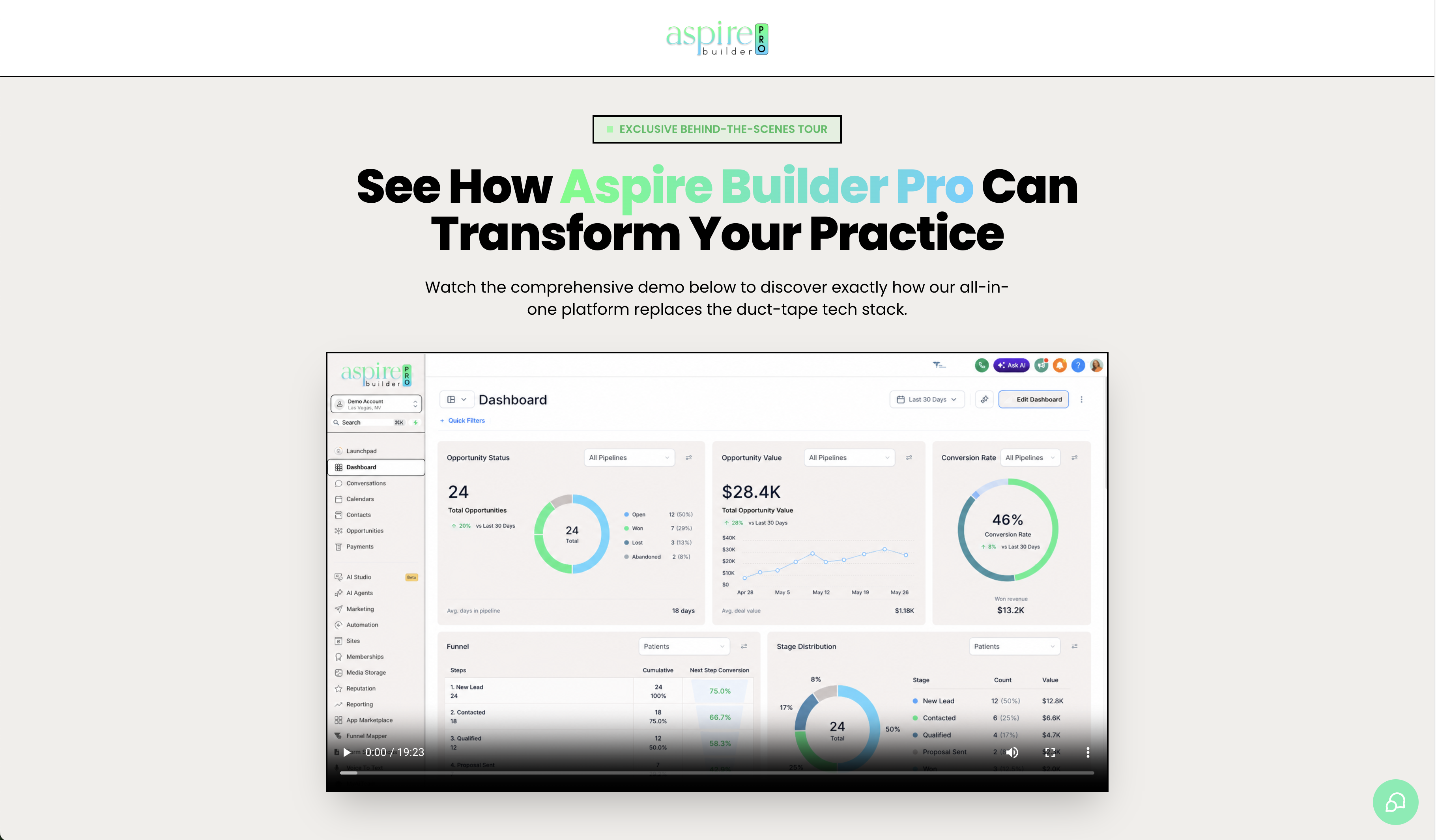
See Social and Reviews in Action
Watch how posts are scheduled and how a finished appointment triggers a review request.
Frequently Asked Questions
Everything you need to know.
Show Up Consistently. Let Your Clients Do the Talking.
Social scheduling and review requests in one connected platform.