Client Follow-Up Automation for Health and Wellness Businesses
Let the routine work run itself. New leads get a reply, appointments get reminders, forms notify your team and new clients are onboarded, all without anyone remembering to do it.
The Problem with Doing It All by Hand
Good follow-up should not depend on a good memory.
Follow-Up Falls Behind
Busy weeks mean leads wait, and waiting leads go elsewhere.
The Same Emails, Typed Again
You write the same welcome, reminder and check-in every time.
Steps Get Skipped
Onboarding depends on a checklist somebody has to remember.
Tools That Do Not Talk
Connecting separate apps takes extra software and breaks without warning.
From Trigger to Done
Set it up once and it runs every time.
Something Happens
A form is submitted, an appointment is booked or a payment is made.
A Workflow Starts
The right sequence begins on its own.
Messages Go Out
Emails and texts are sent at the times you chose.
Your Team Is Looped In
Tasks and notifications go to the right person.
The Record Updates
Tags and pipeline stages change as people move forward.
Automation Without the Complexity
Build once, then let it run.
Lead Follow-Up Sequences
Reply to every new inquiry within minutes.
Appointment Workflows
Confirmations, reminders and no-show follow-up.
Form Notifications
Alert your team the moment a form comes in.
Internal Task Reminders
Assign next steps automatically.
Client Onboarding
Welcome emails, intake forms and first steps in order.
Visual Workflow Builder
Build with triggers and steps. No code.
Examples
How Wellness Businesses Use It
Three common setups. Yours can be as simple or as detailed as you need.
A Fast Reply to Every Inquiry
A form is submitted in the evening. Within a minute the person gets the email they asked for and, if they opted in to texts, a short message with a booking link. If nobody books in two days, one more reminder goes out.
Fewer No-Shows
A booked appointment triggers a confirmation, a reminder the day before and another an hour before. If the client misses the visit, a workflow sends a reschedule link and creates a task for the front desk.
A Smooth Start for New Clients
When a payment comes in, the client receives a welcome email, the intake form and portal access. A task reminds the team to check that the form is complete before the first session.
Included on Both Plans
This feature is part of the Standard plan at $97/mo and the HIPAA plan at $297/mo. Choose the HIPAA plan if your practice handles protected health information and needs a signed BAA.
Aspire Builder Pro vs. Stitching Tools Together
Automation works best when everything already lives in one place.
| What You Need | Connector Tools | Aspire Builder Pro |
|---|---|---|
| Triggers From Forms and Bookings | Needs a connector | Built-in |
| Email and Text Steps | Separate tools | Built-in |
| Tasks for Your Team | Separate tool | Built-in |
| When an App Changes | Connections can break | One platform |
| Workflow Builder | Separate subscription | Included |
| Monthly Cost | Several subscriptions | $97 for everything |
Perfect for Small Teams With Big Client Lists
See Automation in Action
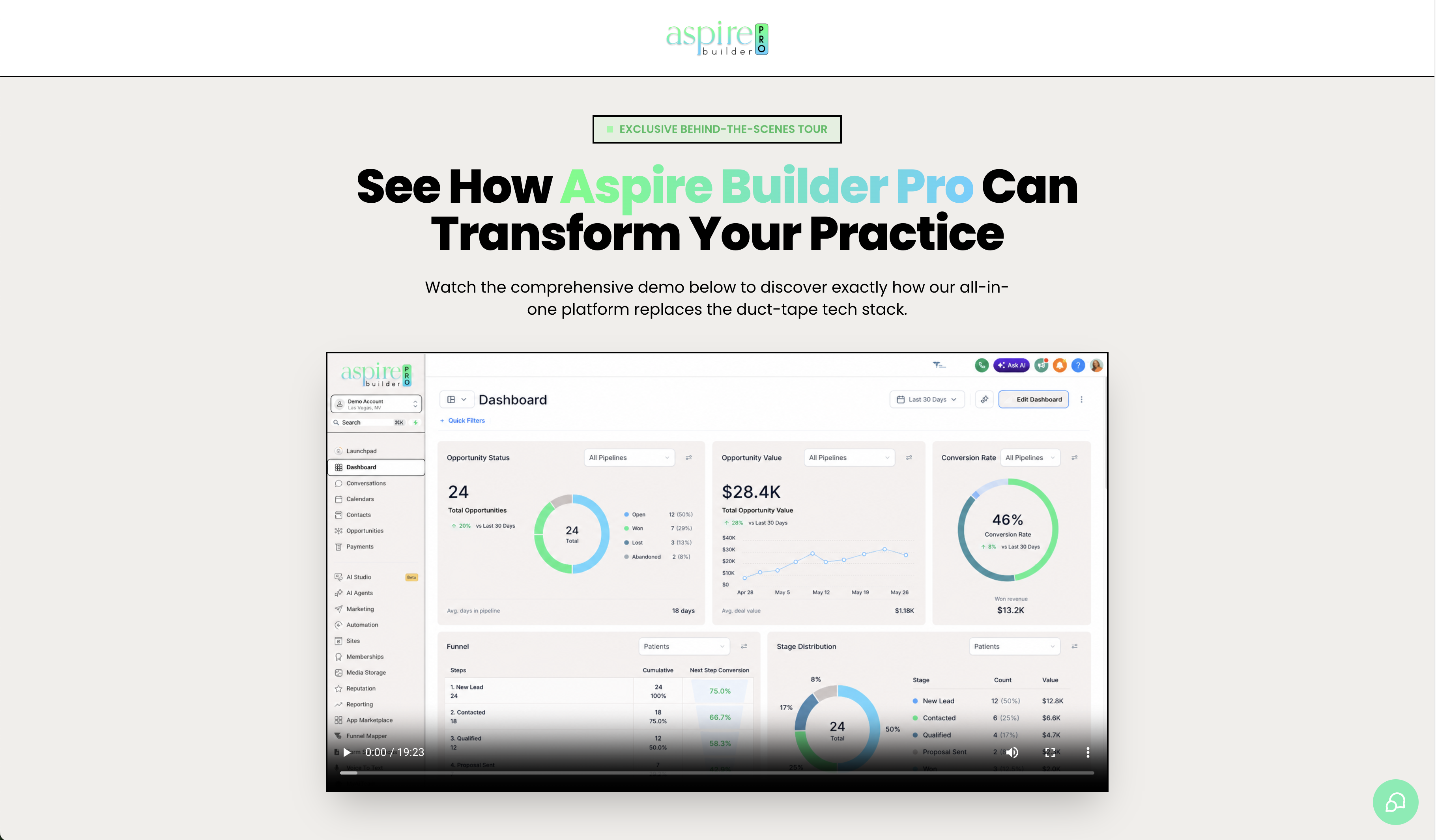
Watch how one form submission starts a welcome email, a text, a task and a pipeline update.
Frequently Asked Questions
Everything you need to know.
Let the Routine Work Run Itself.
Follow-up, reminders and onboarding in one connected platform.